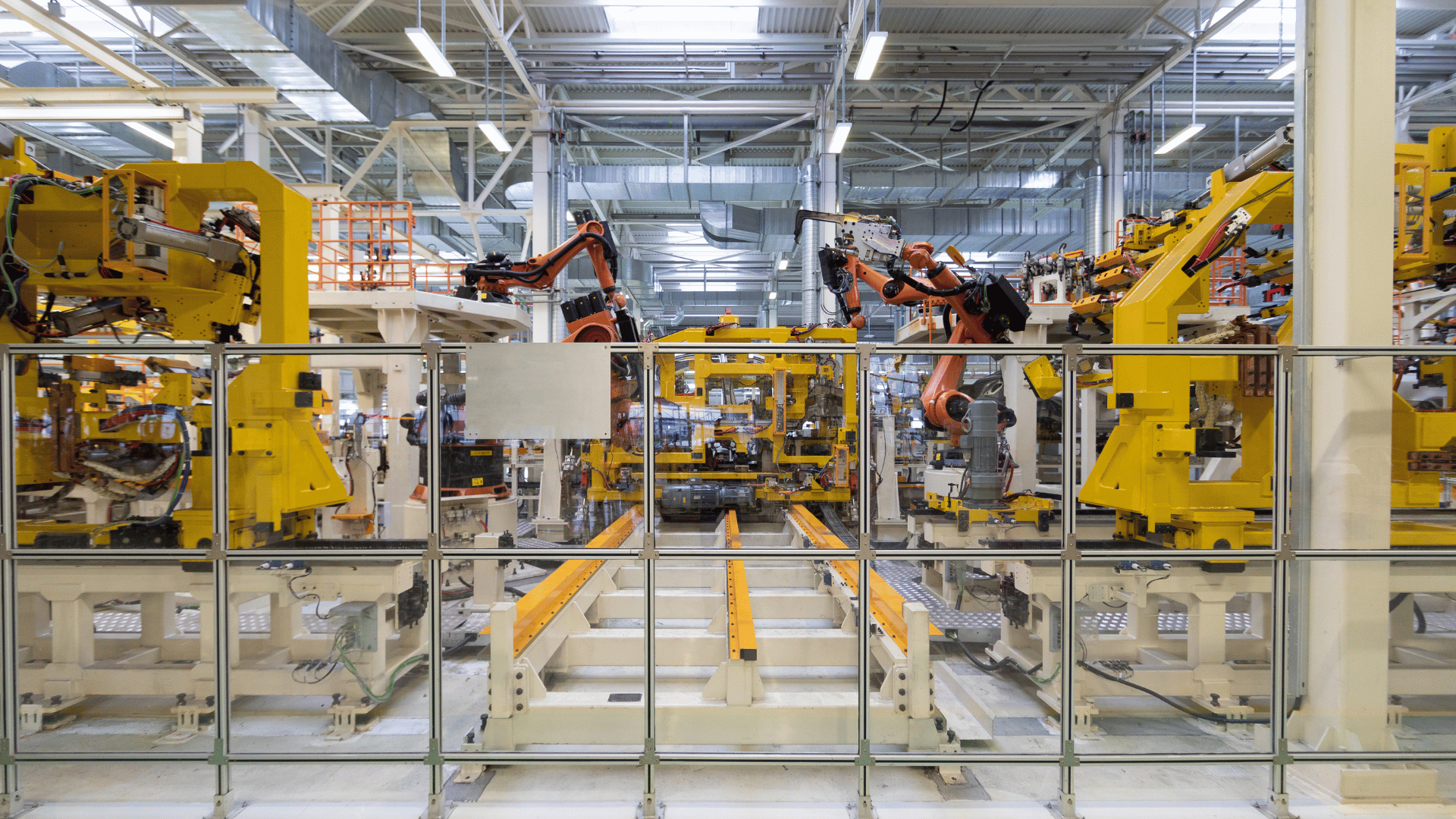
A data historian is the system that records what plant equipment did, minute by minute and often second by second, for years at a time. Most manufacturing sites have one, and most quality teams know the experience of opening it after a failed batch and finding plenty of data but very little explanation. The readings are there. What is missing is any record of which batch was in the vessel when they were taken, which step that batch had reached, and what the lab found afterward.
This piece looks at why that gap exists, what it costs during an investigation, and how to test whether a historian closes it before you buy one.
What a historian records, and how much
A historian is organized around tags. Each tag is a single signal from a sensor or controller, such as jacket temperature, vessel pressure or agitator speed, stored as a long series of values with a timestamp, a unit and usually a quality flag. The design comes from continuous process industries, where the main questions were how a line was trending and whether anything was drifting, and where data had to be kept for years for troubleshooting and reporting.
The volumes are large even at modest rates. A reactor logging three signals once a minute produces 30,240 readings a week. Log ten signals once a second and a single eight-hour batch produces 288,000. Storing that much data reliably is a solved problem. Finding the twenty minutes inside it that explain one bad result is the part teams still do by hand.
What the historian knows, and what it leaves out
Ask a historian what reactor R-101 was doing at 02:30 on October 20 and it will answer instantly. Ask what the reactor was doing during the reaction hold of batch B-2410-20 and it has no way to respond, because nobody has told it the batch existed. The batch identity, the start and stop time of each step, the formulation that was charged and the viscosity result that came back from the lab all live somewhere else: in a paper or electronic batch record, an MES, a LIMS, sometimes a spreadsheet kept by the shift lead.
Regulated manufacturers already document most of this. For drug products, 21 CFR 211.188 requires batch production and control records to cover, among other things, the dates, the major equipment used, in-process and laboratory control results, and who performed and checked each significant step. Those records exist for every batch. They are rarely joined to the process data that shows how each of those steps actually ran.
So the join happens during the investigation, by hand. Someone exports a time window from the historian, finds the step times in the batch record, lines the two up in a spreadsheet, then goes looking for the QC result. On a good day that takes an afternoon. When the clocks disagree or a step time was written down late, it takes far longer, and some teams rerun the batch instead.
Working through one failed batch
Here is how that plays out on a single batch, using synthetic data from an Uncountable demo. A latex batch runs on reactor R-101 between 01:30 and 03:30. QC reports a viscosity of 2,480 cP, outside specification.
Looking at the tags alone, an engineer can see that something happened. From 02:08, temperature rises by 14 °C, pressure climbs 16 psi and agitator speed drops by 110 rpm. The QC failure is logged at 03:05, 57 minutes later. That establishes a coincidence in time and nothing more. Without step boundaries there is no way to say whether the excursion happened during charging, heat-up, the reaction hold or cool-down, and each of those points to a different cause and a different fix.
Once the step windows are laid over the same chart, the excursion sits inside the reaction hold, the step where temperature control matters most for this chemistry. The investigation now has a starting point: one step on one reactor, with the formulation and the out-of-spec result on the same record. A difference in conditions is not proof of cause, but it turns a search across a whole night of data into a question about twenty minutes.
Where the link usually breaks
In most plants the connection fails in one of three places. The first is step timing. If operators record step starts on paper at the end of a shift, or not at all, there is nothing reliable to align the process data against.
The second is identity. Historian exports are keyed by tag and time, batch records by batch number and QC results by sample ID, and nothing guarantees that the three share a clock or a common identifier. The third is delay: lab results often arrive hours or days after the batch, in a different system, by which point the people who ran it have moved on.
None of these is hard to fix on its own. They persist because each one belongs to a different team, and the cost only shows up when something goes wrong.
How to test a historian before you buy one
The most useful test is to bring a real failure to the demonstration. Ask the vendor to open a batch that failed QC and show which step the excursion occurred in, without exporting anything. If the answer involves downloading a CSV, you have learned how investigations will work after go-live.
Next, ask where step start and stop times come from and what happens when one is wrong. Steps get logged late in every plant. A system that cannot correct a step window, or that corrects it without a visible trace, will produce charts nobody fully trusts.
Then ask to see the formulation, the process data and the QC result for the same batch on one screen, and to compare the same step across two batches or two vessels. Scale-up and technology transfer questions are almost always comparisons, and a historian that only shows one run at a time will not answer them.
Finally, hand the keyboard to someone from your own quality team. If a QA engineer cannot find the evidence for a failure without the vendor guiding them, investigations will stay with the one or two engineers who know where everything lives.
What this means for manufacturing and quality teams
Think about the last batch your team investigated. How long did it take to line up the process data with the batch record, and who did it? How many of last quarter's repeated batches could have been explained instead if the conditions for each step had been on the record? And if an auditor picked a batch at random, could your team show how every step of it ran?
Process data on the batch record
Uncountable's Data Historian stores tags from plant, pilot and lab equipment and binds them to the equipment they come from and to each batch that ran on it, for the window that batch ran. Batch Trace draws each step of a batch over that tag data, and Points lines up every tag on a piece of equipment around a chosen moment. It can connect to the plant historian you already run or replace it. For teams that already record batches and formulations in Uncountable, and test results in LIMS for Quality, the process data lands on the same record.